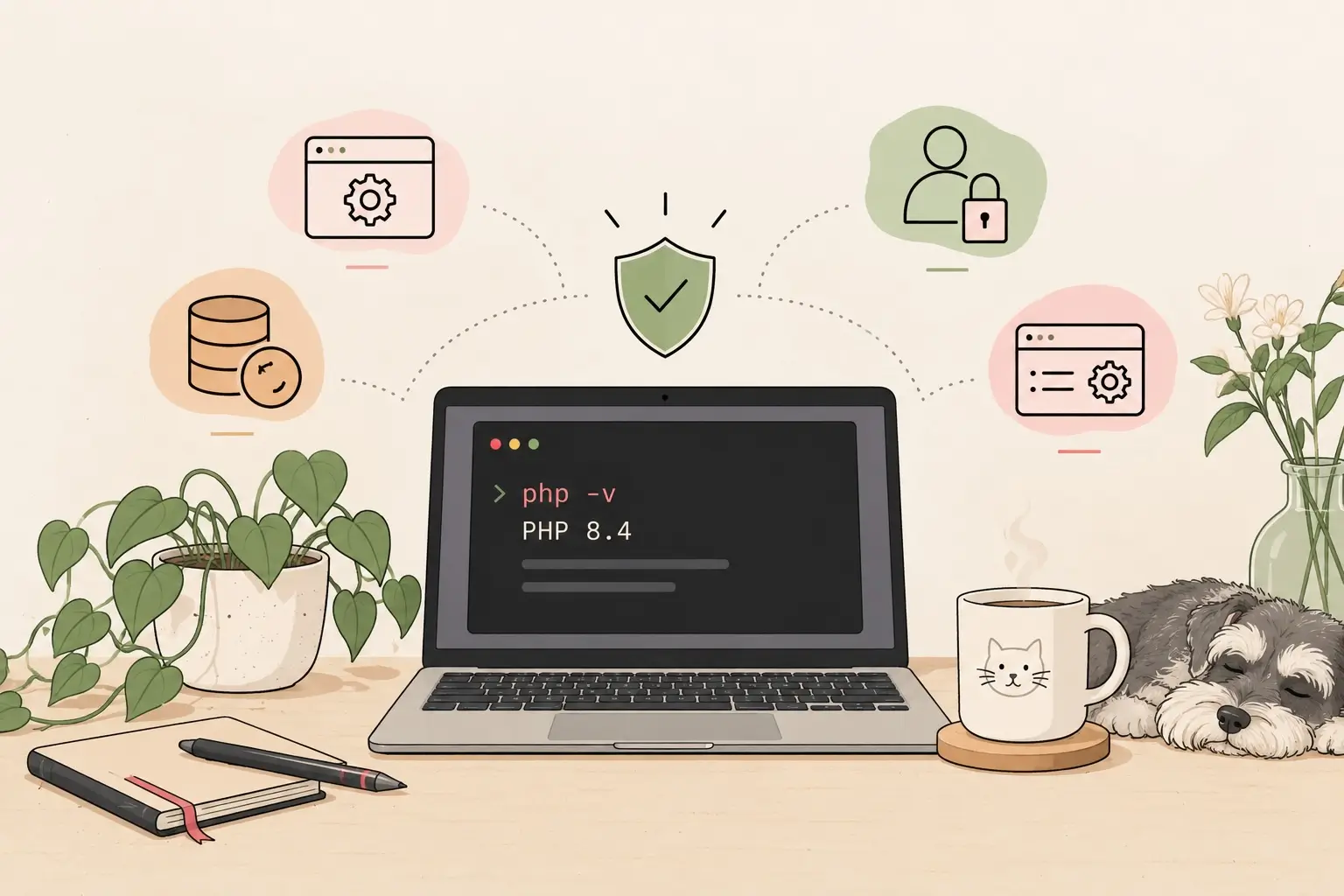
On being a developer, maintaining an ageing Mac, and taking responsibility for the things I can control.
I spend most of my working days writing code, fixing bugs, reviewing changes, and trying to make applications behave the way they’re supposed to. Security is part of that world, too. We update dependencies, fix vulnerabilities, and try to make sure the software we build doesn’t become someone else’s problem.
But recently, a PHP security alert made me think about something closer to home: my own computer.
Not the servers at work. Not the applications maintained by my team. My personal machine, sitting on my desk, quietly carrying years of development tools, personal files, browser sessions, and accounts.
It made me wonder how much attention I was paying to the security of the things that were entirely my responsibility.
The things I don’t have to worry about
At work, we have a DevOps team responsible for maintaining the infrastructure and handling server-side updates. When PHP needs patching on the company’s servers, that’s their responsibility.
I’m a developer. My job is to write and maintain the application, and I can rely on the appropriate people to handle the infrastructure they manage.
Of course, that doesn’t mean I can ignore security in my own code. But it does mean I don’t have to personally manage every part of the company’s infrastructure.
My personal environment is different.
There’s no DevOps team looking after my Mac. No one is going to remind me to update its operating system, review my browser settings, or check whether the applications I use are still receiving security updates.
Those responsibilities belong to me.
And if I’m honest, it’s easy to overlook them when most of my attention is already occupied by work.
An older Mac and an uncomfortable decision
I use a Mac from 2020 for development. It has served me well, and I would prefer to keep using it for as long as it remains practical.
There’s something satisfying about keeping a machine running instead of replacing it simply because something newer is available. I already have a working development environment, familiar tools, and a setup that does what I need.
But keeping an older machine introduces a few questions.
How long will it continue receiving security updates? Will a major operating system upgrade affect performance? Will my development tools still work as expected? Will I spend the next few days fixing problems that didn’t exist before the upgrade?
As a developer, I know that updating software isn’t always as simple as pressing a button and carrying on with the rest of the day. A change to one part of the environment can affect another. A working setup can suddenly stop working, and debugging the resulting problems can take time.
I’ve experienced enough development environment issues to appreciate a machine that simply works.
Still, convenience isn’t the only consideration. A familiar environment isn’t necessarily a secure one.
I needed to think about the trade-off rather than automatically choosing the option that involved the least disruption.
Security is more than updating PHP
The PHP security alert was the trigger, but it also reminded me that security has several layers.
Keeping software updated is important, but so are the less exciting things we tend to postpone: enabling multifactor authentication, using unique passwords, keeping backups, reviewing application permissions, and being careful about what we install.
An operating system update cannot fix every security problem. Neither can a password manager or a firewall. Each addresses different risks.
I also had to remind myself to distinguish between my local development environment and the systems running my applications. The PHP version reported by my terminal tells me which version that particular command is using. It doesn’t necessarily tell me which version every other application or service on my machine is running.
That distinction matters. When investigating a security concern, assumptions can be just as unhelpful as outdated software.
I don’t need to become an expert in every aspect of cybersecurity overnight. But I do need to understand enough about my own setup to make sensible decisions.
Taking responsibility for what I can control
My first step was to look at the operating system running on my Mac and consider the available upgrade options.
I decided that keeping my personal machine secure deserved more attention, even if it meant spending some time reviewing compatibility and planning the upgrade carefully.
I wasn’t trying to turn my Mac into an impenetrable fortress. I simply wanted to reduce avoidable risks.
That also means being more deliberate about the accounts I use, the applications I install, the information I store, and the ways I protect my files.
Some improvements are straightforward. Others require more investigation. And some decisions involve trade-offs between security, compatibility, cost, and convenience.
The important thing is not to assume that everything is fine just because nothing has gone wrong yet.
Security problems aren’t always visible. The absence of an obvious problem isn’t proof that a system is safe.
A work in progress
I’m not writing this as someone who has everything figured out.
I’m writing it as a developer who was reminded that the responsibility for security doesn’t end when the working day is over.
At work, I can rely on colleagues to manage the parts of the system assigned to them. At home, I need to take responsibility for the parts that belong to me.
That doesn’t mean I have to do everything at once. It means making progress, learning as I go, and being willing to revisit decisions when circumstances change.
I’ll probably discover things I’ve overlooked. I may also encounter the occasional update that breaks something and sends me back to the terminal to figure out what happened.
That’s part of the process.
For now, I’m starting with the machine I use every day and the digital life that depends on it.
Sometimes, being a better developer isn’t just about writing better code.
Sometimes, it’s about taking better care of the tools that let us write it.